
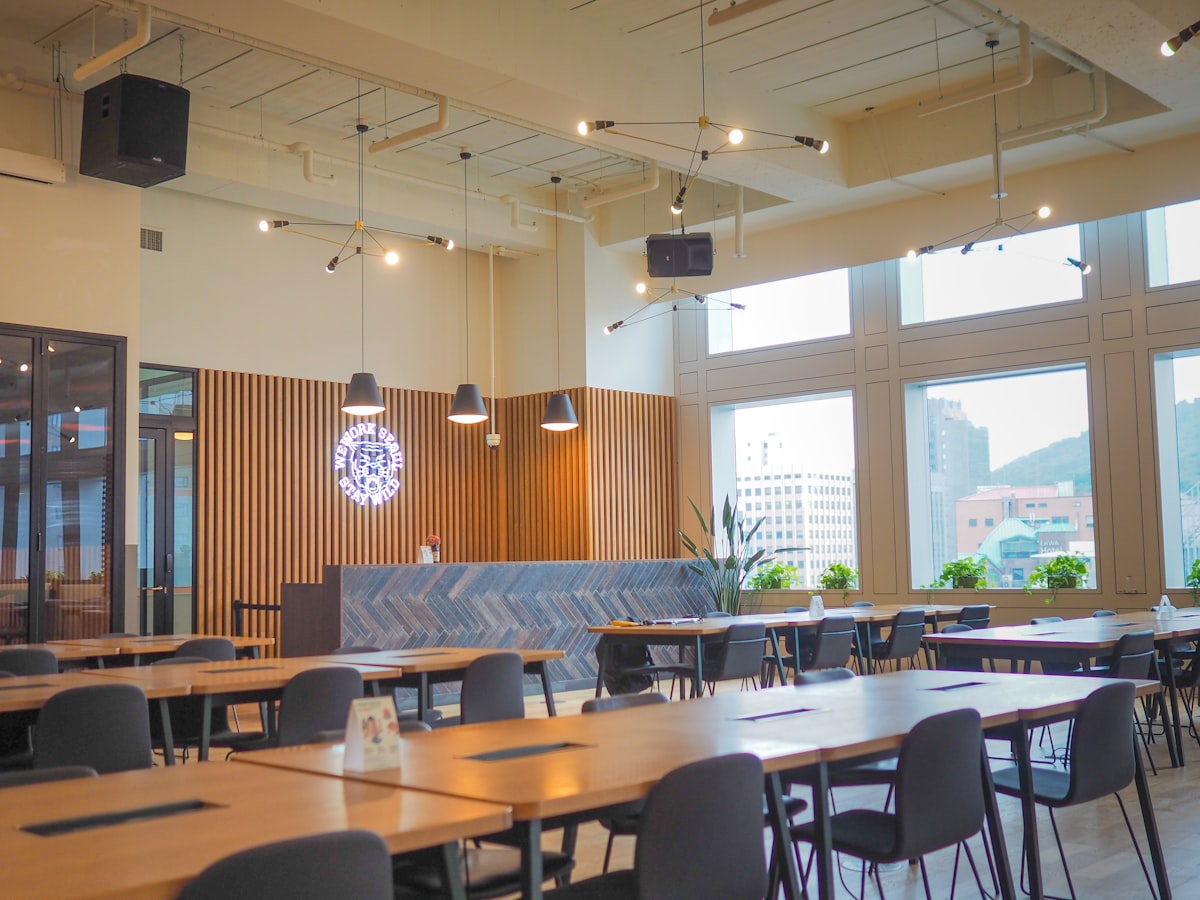
Campus dining services may use QR codes for menus, meal-plan accounts, mobile ordering, feedback, dietary forms, refunds, or payments. Those codes can be convenient, but a school logo, dining-hall name, or familiar menu does not establish who owns the destination.
Preview the final address, then verify the task from the school's official dining page or campus app. Use a dining-services contact from the school directory when the location, account route, form, order, recipient, or charge differs. This guide covers digital-safety checks, not dietary, allergy, nutrition, refund-policy, or legal advice.
Match the code to the dining task
| QR code offers | Verify independently | Pause when | |---|---|---| | Menu or dining-hours page | Location, date, official dining route | The location cannot be found through an official campus page | | Meal-plan login or reload | Official account route, expected action, recipient, amount | A generic page asks for a password or one-time code | | Mobile order or pickup | Dining location, order items, provider, total, pickup instructions | The order or recipient differs from the official system | | Dietary or feedback form | Form owner, purpose, expected fields, recipient | The page asks for unrelated identity or account information | | Refund or payment | Official decision, form, destination account, amount, timeline | Urgency replaces confirmation through dining services |
1. Verify menus and dining locations
A menu code should match a real campus dining location and the current service period. Close the QR page and find the same location through the school's official dining site or campus app. A menu may use an approved outside provider, but the school should identify that provider from an official route.
Do not use a QR page or this guide to make allergy, dietary, or nutrition decisions. Confirm those questions with dining services through its established contact and published process. The restaurant QR safety guide explains related menu and payment risks.
2. Keep meal-plan sign-ins inside a known route
A meal-plan code may offer a balance check, reload, account update, or transaction history. Verify the final domain and begin again from the official campus dining or student-account page. Confirm the expected action, amount, recipient, and receipt before entering credentials or payment details.
Pause if an unfamiliar page asks for a school password, one-time code, recovery code, or new authentication method. If you already entered credentials, change the password through the official account route and contact campus IT. Use the student login response guide for action-specific steps.
3. Confirm orders and payments separately
Before placing an order, confirm the dining location, provider, items, total, pickup or delivery instructions, payment recipient, and receipt. A real menu copied onto another page does not establish who receives the payment. Start from the dining service's official ordering route when anything differs.
For a payment request, compare the amount and recipient with the official account or point-of-sale process. The payment QR code scam guide provides a broader verification routine. Do not let a line, closing time, or limited offer replace those checks.
4. Verify forms and refund messages
A dietary, feedback, or survey form should identify its owner, purpose, expected fields, recipient, and privacy contact. Submit only the information that the confirmed task requires. Ask dining services about its official process when the form asks for account credentials, financial details, or unrelated identity information.
A refund QR code needs separate confirmation. Contact dining services from the school's official page and confirm the decision, eligibility process, official form, destination account, amount, and expected timeline. The campus refund QR code guide explains common refund lures without deciding whether a student qualifies.
5. Require readable fallbacks and inspect signs
A dining QR code should not be the only route to a menu, account, order, form, or payment. The sign should include a readable official address or staffed contact that reaches the same verified service. Avoid shortened links that hide the organization or task.
Inspect table tents, counter signs, kiosks, receipts, and wall posters for overlays, damage, or outdated details. Report a mismatch through dining services and campus IT rather than testing it with a real account, order, or payment card.
If you already used the page
Record the QR image, final URL, sender or location, displayed dining service, time, and exactly what you did. If you only viewed the page, close it and verify the task. If you signed in, change the password through the official route and contact campus IT. If you submitted information, tell dining services exactly what you shared. If you ordered or paid, compare the transaction with the official process and contact the card issuer through the number on the card if it is not confirmed.
Use the campus dining account response guide to separate viewing, sign-in, account change, order, and payment steps. Ask official dining services about food, account, refund, or policy questions.
See also
- What to Do If You Scanned a Suspicious QR Code
- How to Spot a Malicious QR Code Before You Scan
- QR Code Threat Map
- Campus Meal Plan Account QR Code Scam
- Campus Dining Refund QR Code Scam
QRsafer helps preview a QR destination before opening it; campus dining services still must confirm the request. Download for iOS or Android.
Frequently asked questions
Is a QR code from campus dining services safe?
It may be legitimate, but verify the dining location, task, and destination through the school's official dining page, campus app, or a known dining-services contact.
Should I sign in to my meal-plan account through a QR code?
Begin from the official campus dining or student-account route and confirm which sign-in is expected before entering credentials.
What if a dining QR code offers a refund?
Confirm the refund decision, official form, destination account, and expected timeline through dining services. Do not rely on the QR page to establish eligibility.
Can QRsafer confirm a dining page is official?
No. QRsafer helps preview a QR destination. Campus dining services must confirm the account route, order, form, payment, refund, and recipient.